Electric furnace feed
Ore box → electric furnace
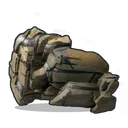
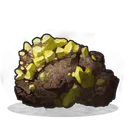
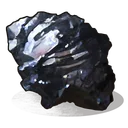
Connect power to the furnace. This conveyor feeds metal, sulfur and high quality metal ore.
Build and copy conveyor filters for loot sorting, furnaces, locker kits and cupboard upkeep.
Start empty or choose a preset, then add the items or categories this conveyor should move.
Search by name or item shortname.
Your filter is empty. Add an item or category to start.
Ore box → electric furnace
Connect power to the furnace. This conveyor feeds metal, sulfur and high quality metal ore.
Furnace → finished materials box
Collects all three smelted products. An electric furnace makes no charcoal. On a wood-fired furnace, use the charcoal filter on a second conveyor for a separate box.
Ore and wood box → wood-fired furnace
Feeds wood and any of the three ores. A small furnace has two ore slots. Light it or wire an igniter.
Wood-fired furnace → shared output box
Collects the three smelted products and the charcoal from burning wood in one box.
Wood box → wood-fired furnace
Wood-fired furnace → charcoal box
Kit storage → one locker partition
Maximum in outputUse one adaptor for this partition. Matching items already inside count toward each maximum. Other items can block the refill. Leave room on the belt for the rifle, ammo, three syringe stacks and one stack of cover. Equip at the locker and check the magazine.
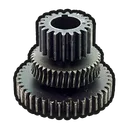
Loot drop box → component storage
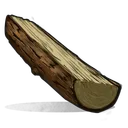
Loot drop box → resource storage
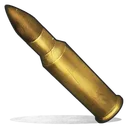
Loot drop box → ammo storage
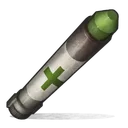
Loot drop box → medical storage
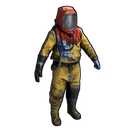
Loot drop box → clothing storage
Loot drop box → tool storage
In Rust on PC, open the Industrial Conveyor filter, hold Shift and click Paste (JSON). This replaces the current list. Select Any item and click Apply.
Power one conveyor per route. Fit Storage Adaptors to the source and destination and connect them to the conveyor with pipes.
Filter schema checked against Rust Dedicated Server build 26889231.


Comments
Loading comments…
Discuss this page on Discord